Agiflow guides
Guides
Step-by-step help for the board you share with your AI assistant. Pick a workflow for your team, or look up a single task.
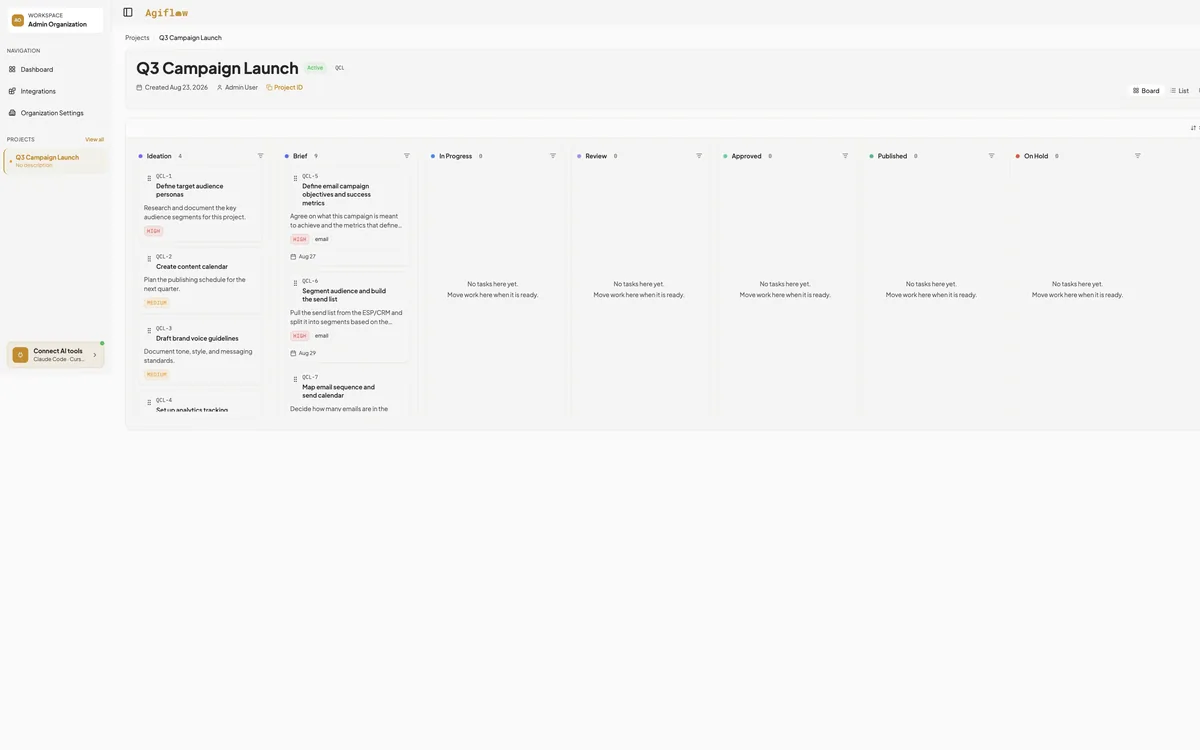
Start here
Three short guides that take you from an empty workspace to a first task finished with your assistant.
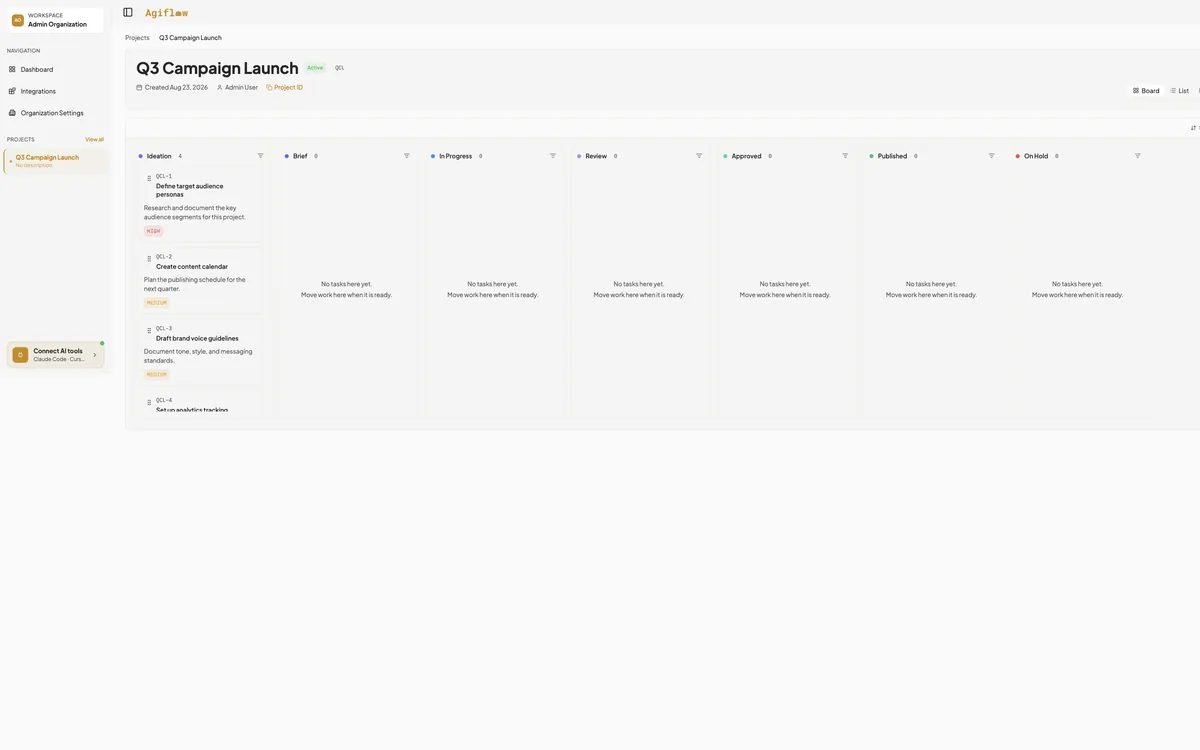
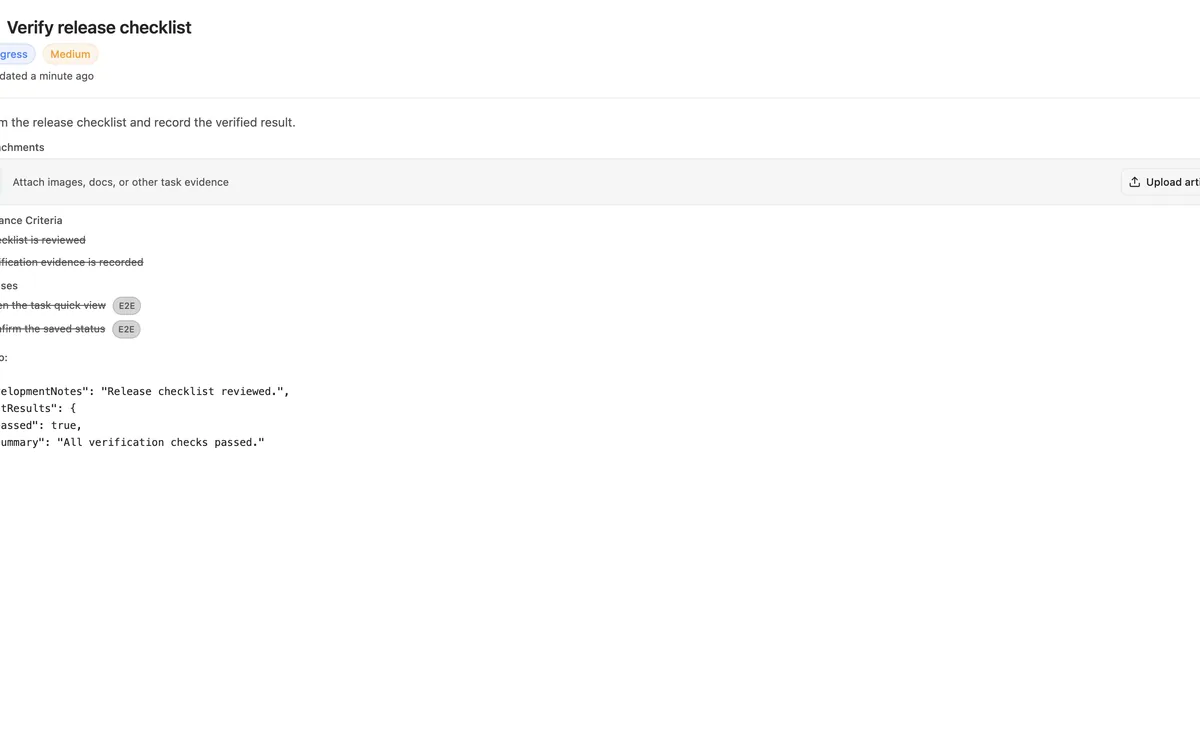
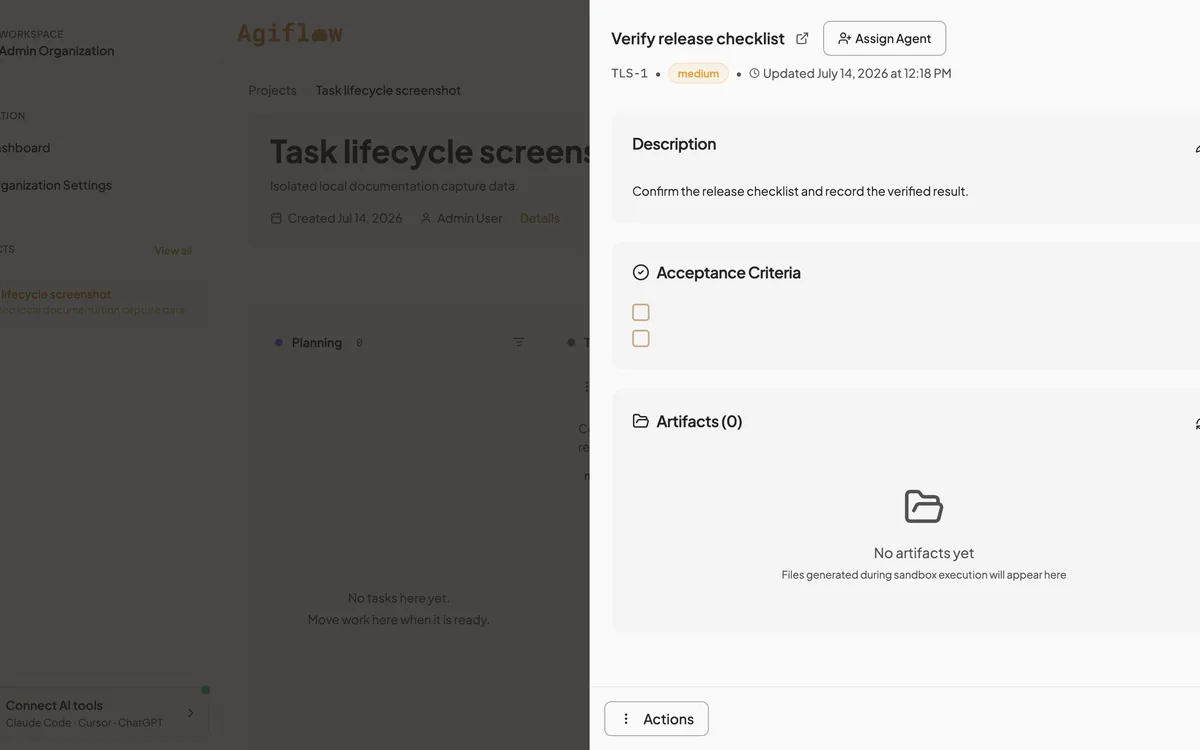
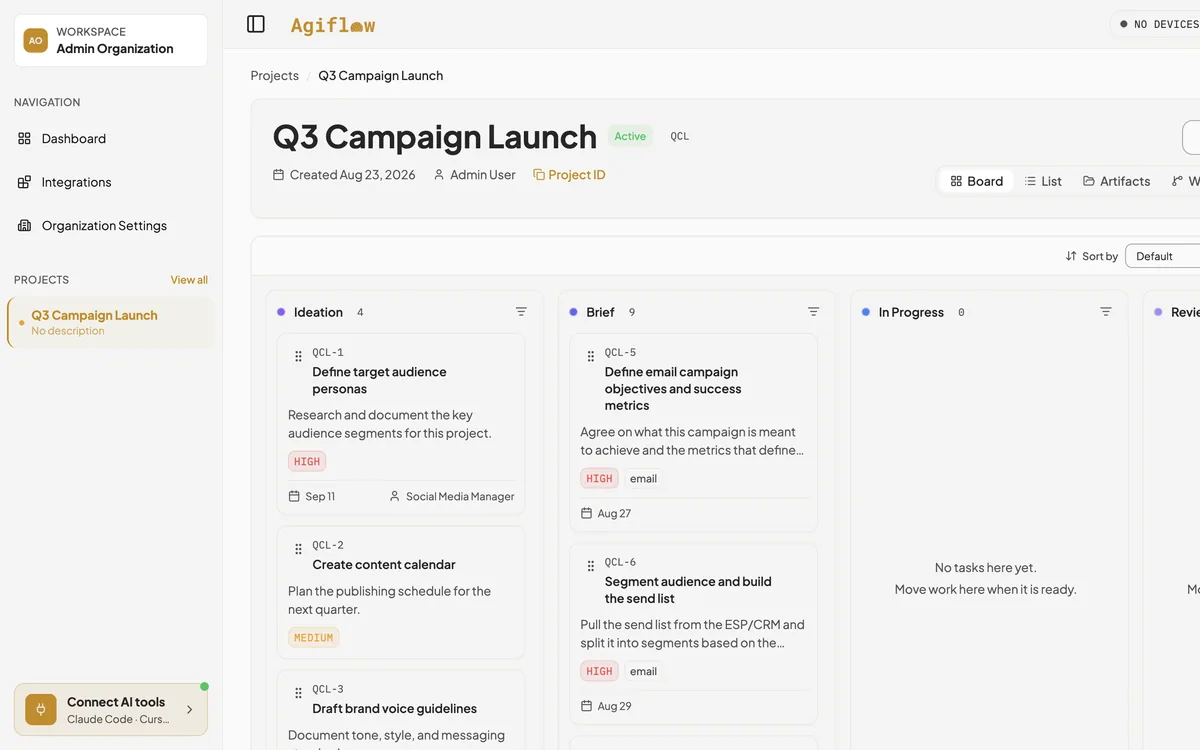
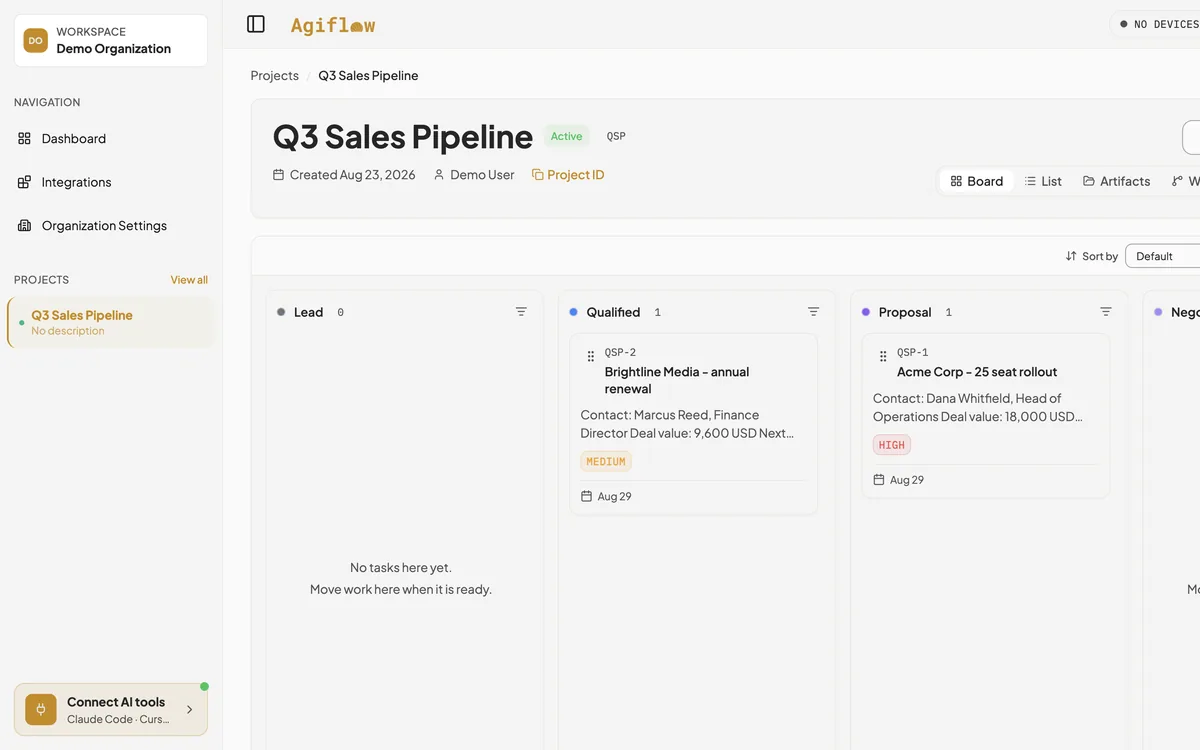
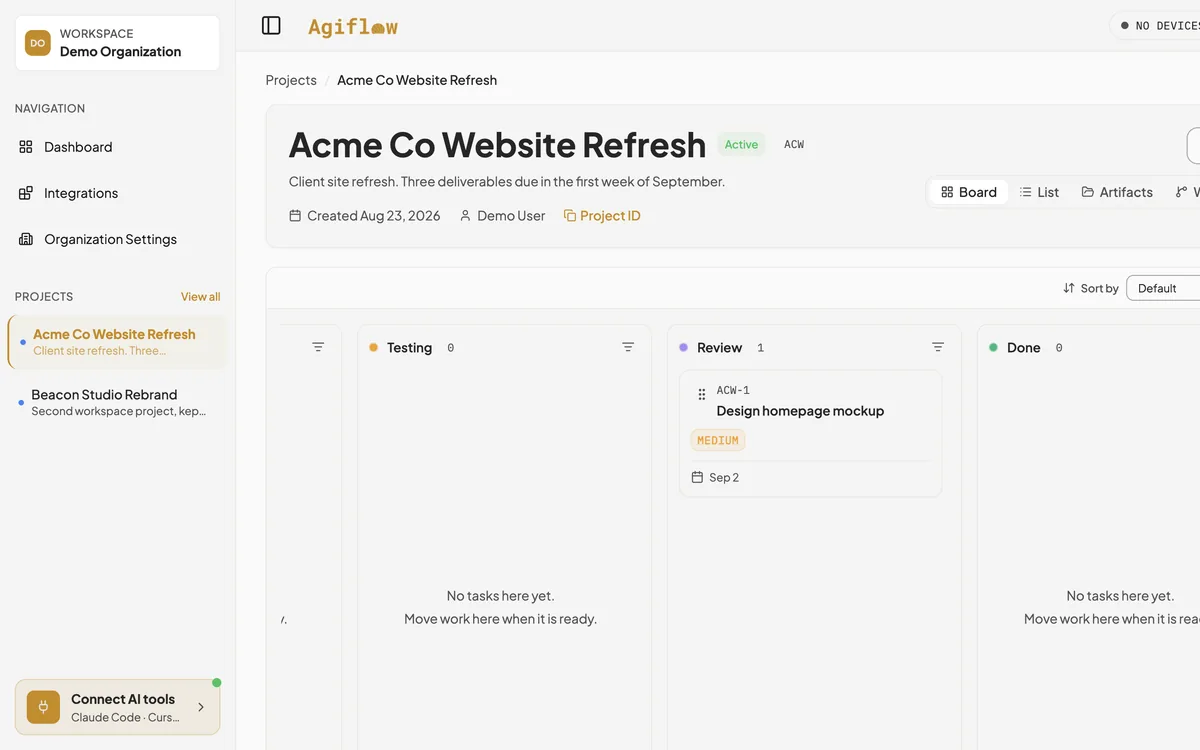
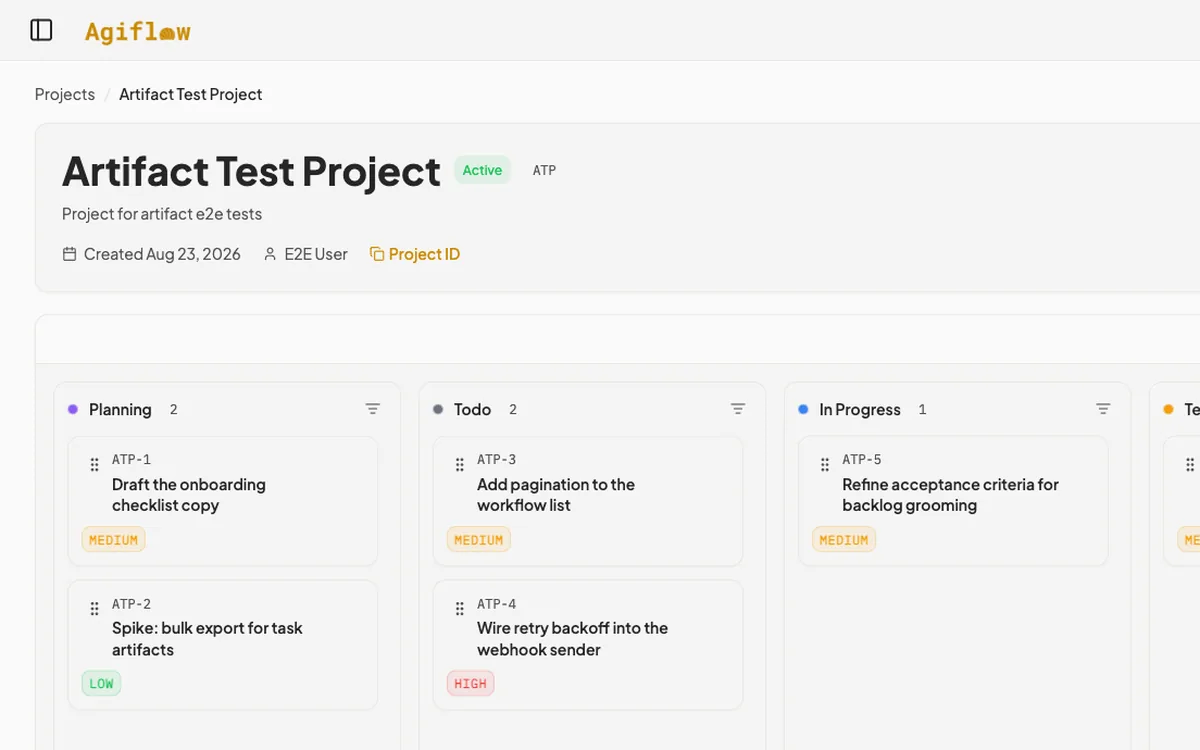
Workflows by use case
End-to-end tutorials for the way your team already works. Each one ends with a board you can verify.
Using the board
Short answers for everyday tasks, grouped by what you are doing.
Getting started
Collaborate and control access
Plan and organize work
Account and billing
Troubleshooting
Run and coordinate work
Files and project context
Can't find it?
Search every guide, or ask in Discord and we will point you to the right one.
Ask in DiscordConnect your AI tool
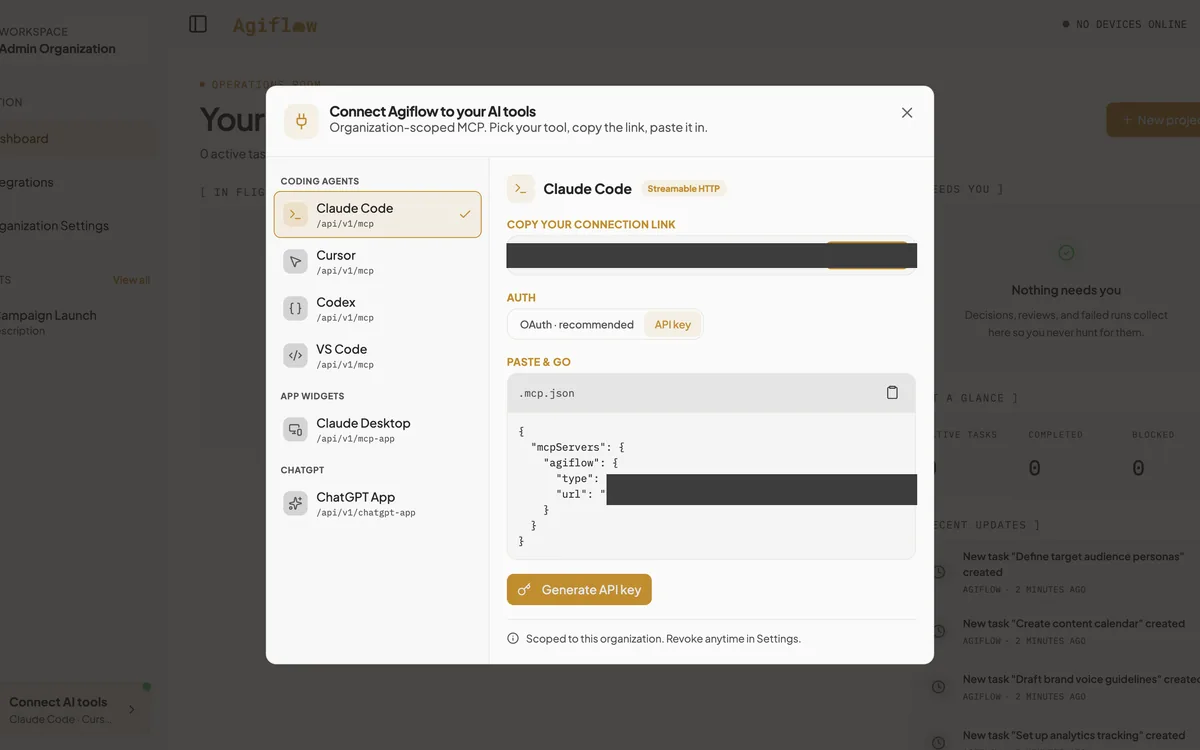
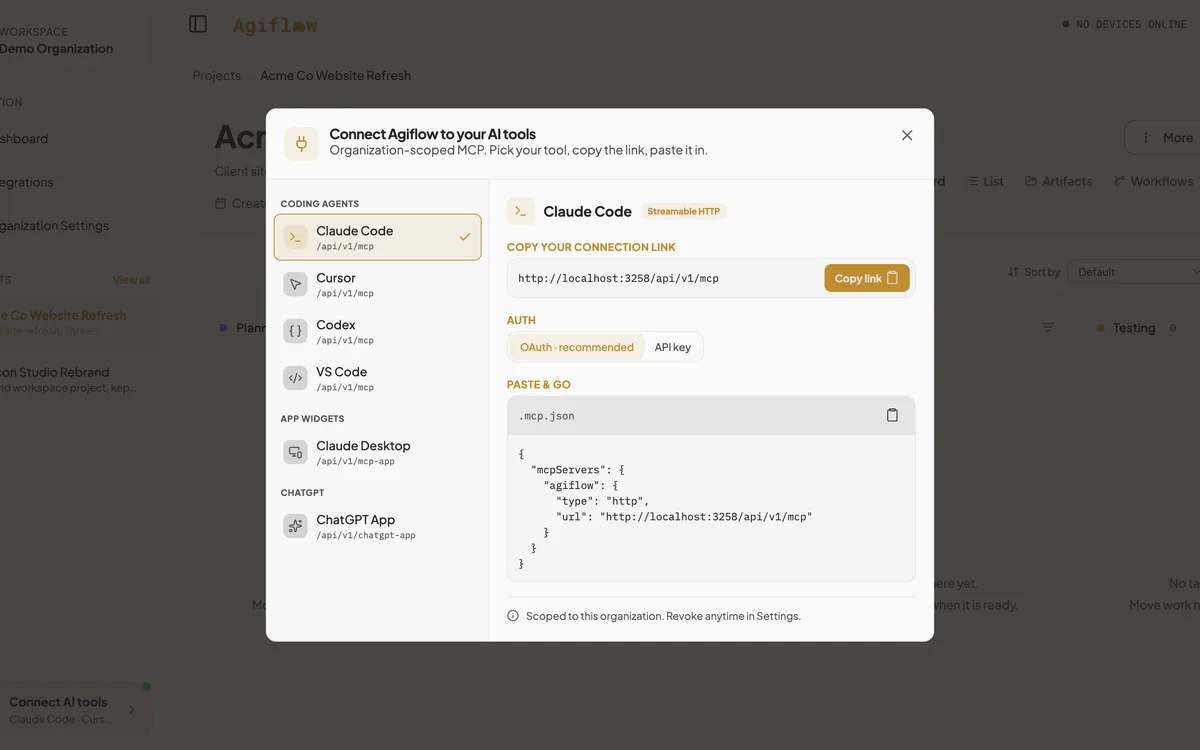
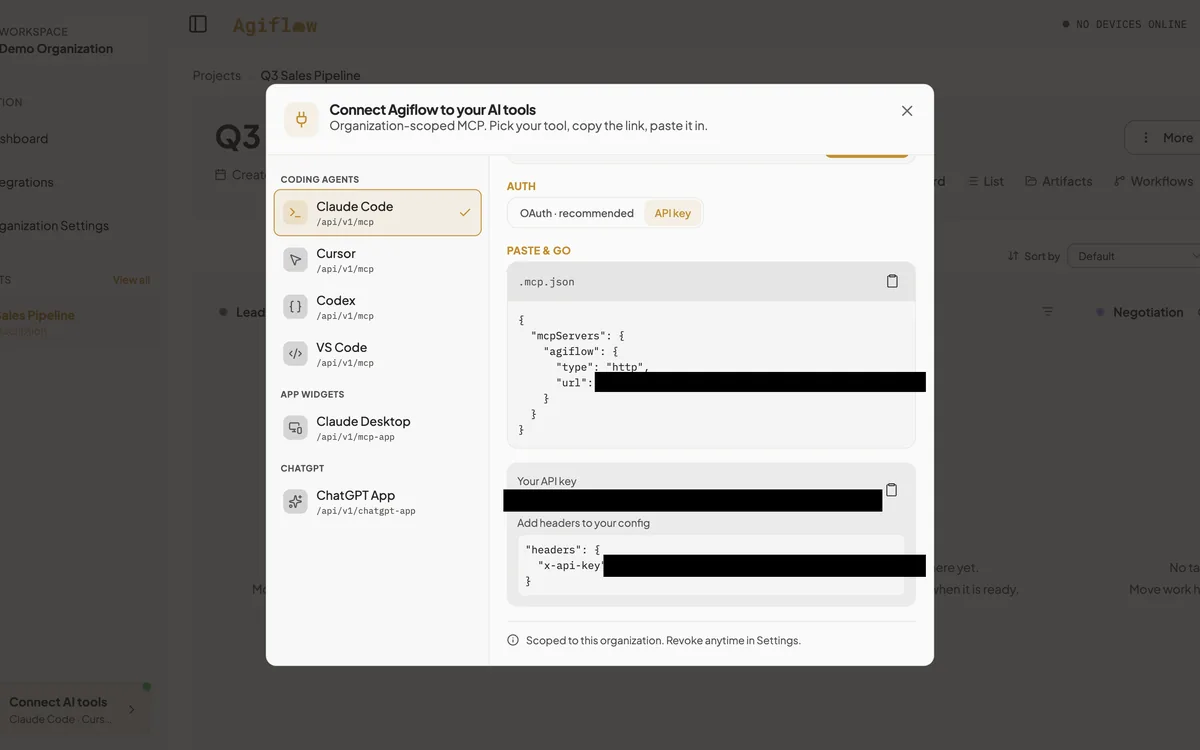
Pick the tool you already use. Each guide connects it to one project, then checks the same board from both sides.
Developer reference
Servers, scopes, tools, and the ChatGPT and Codex plugin. Versioned per release, so older setups keep working.
Current release 0.0.3 · 0.0.2 still available